
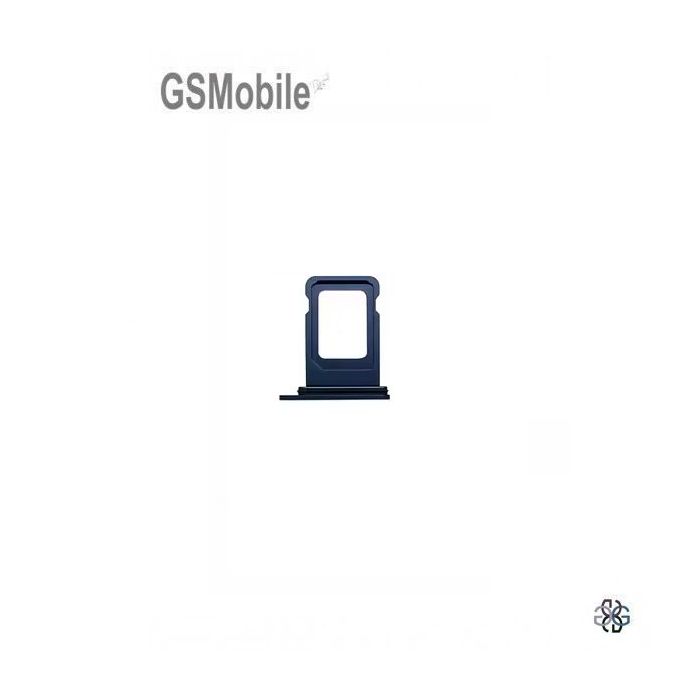
SIM Card Tray for iPhone 17 Pro Max – Blue / Black
Replacement SIM Tray for iPhone 17 Pro Max – Blue / Black
Special Prices for Repair Shops and Technicians
Condition: New
Compatible with: iPhone 17 Pro Max
Color: Blue / Black
Category: iPhone 17 Pro Max
Replacement Part Description
The SIM card tray for iPhone 17 Pro Max is a replacement part designed to replace a damaged, broken, bent or missing SIM tray. It allows the SIM card to be correctly positioned and securely held inside the device.
Designed to provide a precise fit for the iPhone 17 Pro Max, this SIM card tray allows easy installation and ensures the correct positioning of the SIM card in the phone. Available in blue and black to match the device finish.
It is an ideal solution for repairing an iPhone 17 Pro Max with a damaged or missing SIM card tray caused by everyday use, accidental drops or improper handling. This component is completely new and ready for replacement.
Compatible with iPhone 17 Pro Max. Always check the exact model of your device before placing your order to ensure compatibility.
Important: Insert the SIM card correctly into the tray before placing it into the phone. The tray should slide in smoothly without applying force to prevent damage to the internal SIM reader or insertion mechanism.
Have any questions? Contact our technical support team.
|
+34 693 55 82 87 |
+34 911 735 885 |
info@gsmobile.es |



Buy the SIM card tray for iPhone 17 Pro Max at the best price from GSMobile. New quality replacement part, ideal for professional repairs and mobile phone technicians. Available in blue and black. Order online today and receive your replacement quickly.
Reemplazo de la Bandeja SIM iPhone 17 Pro Max
Si la bandeja SIM de tu teléfono móvil iPhone 17 Pro Max está dañada, no funciona, no abre, no alinea correctamente o no reconoce la tarjeta SIM debe ser sustituida por una bandeja o porta SIM nueva.
Sustituir la bandeja SIM del dispositivo iPhone 17 Pro Max, es un proceso bastante sencillo, pero requiere tener cuidado para evitar dañar los componentes del teléfono.
Uso correcto de la Bandeja SIM iPhone 17 Pro Max
- Asegúrate de usar la herramienta adecuada para evitar dañar el mecanismo de la bandeja. Se recomienda utilizar el útil que provee el fabricante para quitar la bandeja SIM.
- No fuerces la bandeja si no sale fácilmente.
- Verifica el tipo de SIM (nano, micro o estándar) según el modelo de tu teléfono.
- Introducir la Tarjeta Sim según lo indique la Bandeja SIM.
¿Cuándo llevar a un servicio técnico para sustituir la bandeja SIM?
En caso que la bandeja SIM se haya quedado atascada es necesario acudir a un servicio técnico para evitar dañar los pines internos del lector de tarjeta.
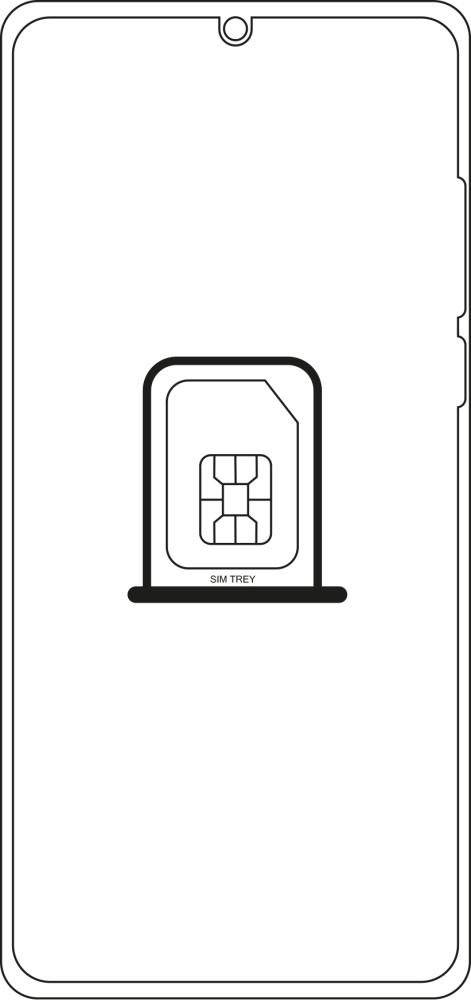
Sustituir Bandeja SIM iPhone 17 Pro Max
Sustituir bandeja SIM iPhone 17 Pro Max | Comprar bandeja SIM iPhone 17 Pro Max | Porta SIM iPhone 17 Pro Max | Gaveta Chip SIM iPhone 17 Pro Max | Donde comprar bandeja SIM iPhone 17 Pro Max | Adquirir bandeja SIM iPhone 17 Pro Max | Cambiar bandeja SIM iPhone 17 Pro Max